Have you heard about the app Google Lens? It is pre-installed on some of the latest android devices. It can be used for a specific purpose which might help you save time. If it is not installed on your phone , tap here to install. It is available on Apple app store too for ios users.
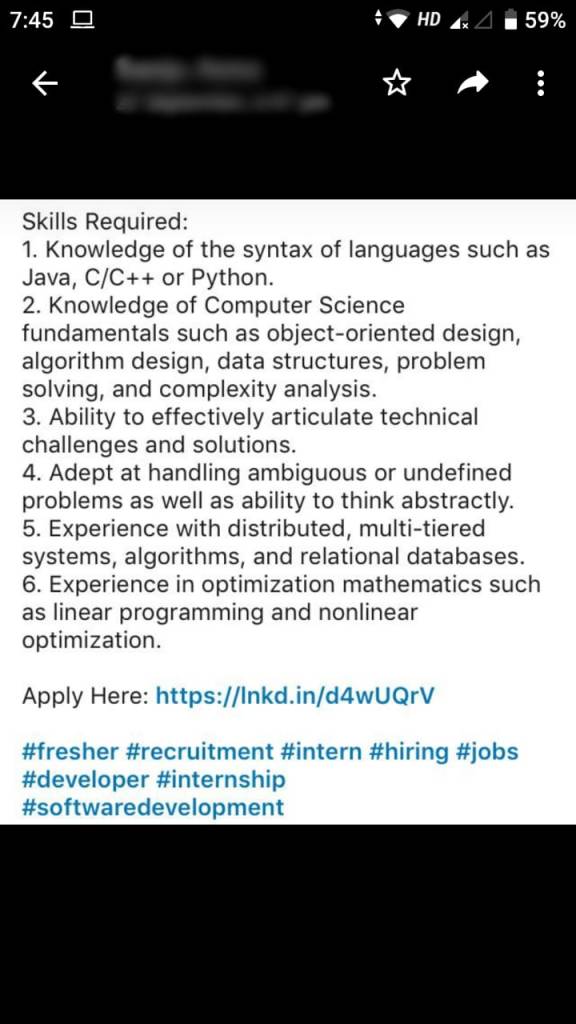
SCENARIO: Your friend sends you a photo which has a link in it. Because it is a photo you can’t open link directly just by clicking on it. Hyperlinks aren’t active. You type each and every letter into the browser. Because it is cumbersome and error-prone. I am providing you a better alternative.
STEP 1: Take a screenshot with the link in it which you can’t click directly. If it is an image already, no need to take a screenshot too.
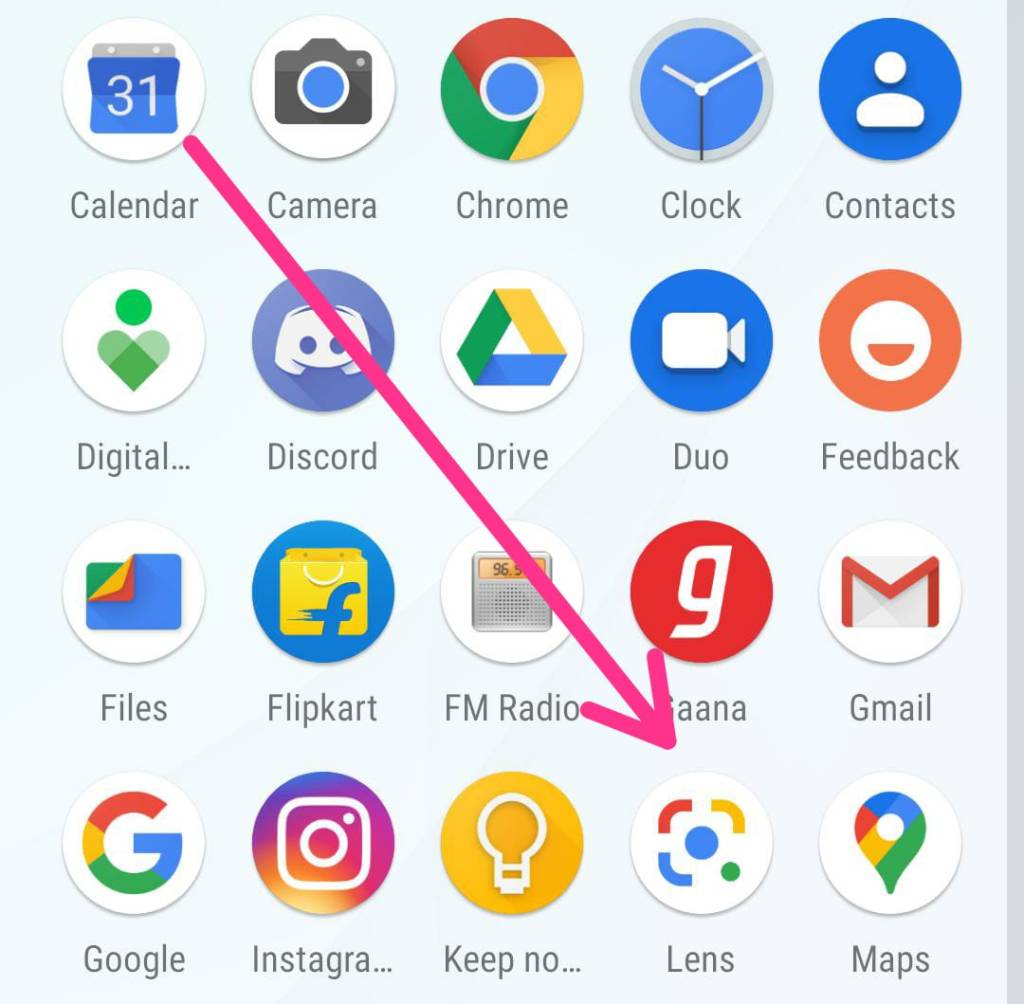
STEP 2: Open the Google lens app.
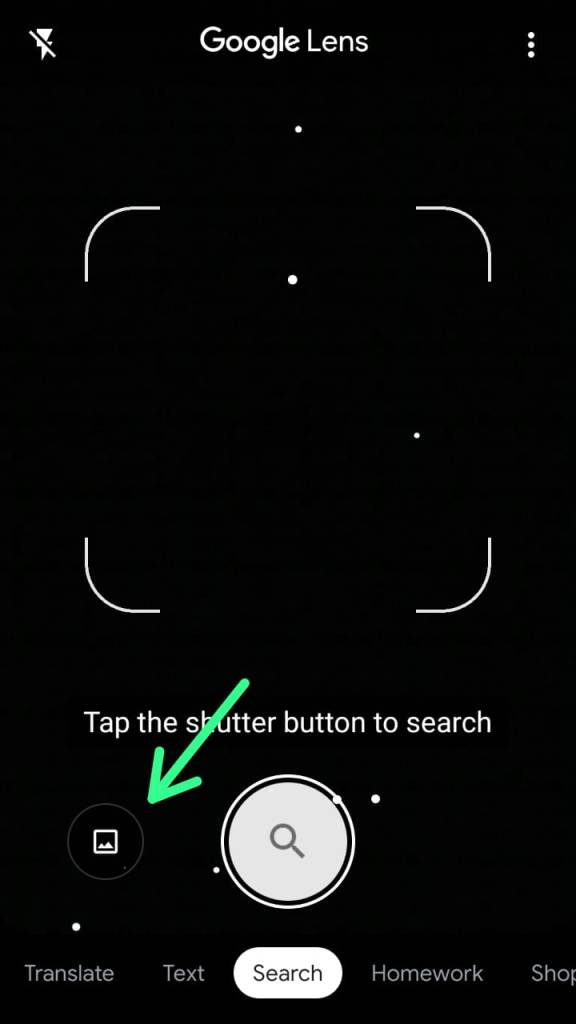
STEP 3: After opening when you see the below interface. Tap on the image icon beside search icon slightly left at the bottom.
STEP 4: Select the screenshot from the gallery or file manager from which image you want to read the hyperlink. Procedure looks lengthy but it isn’t. Quick!
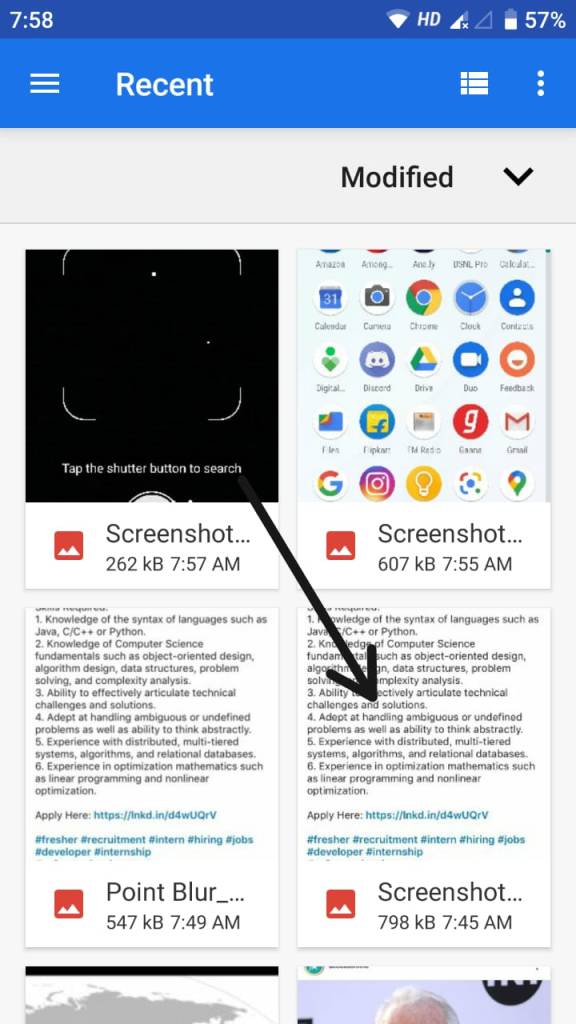
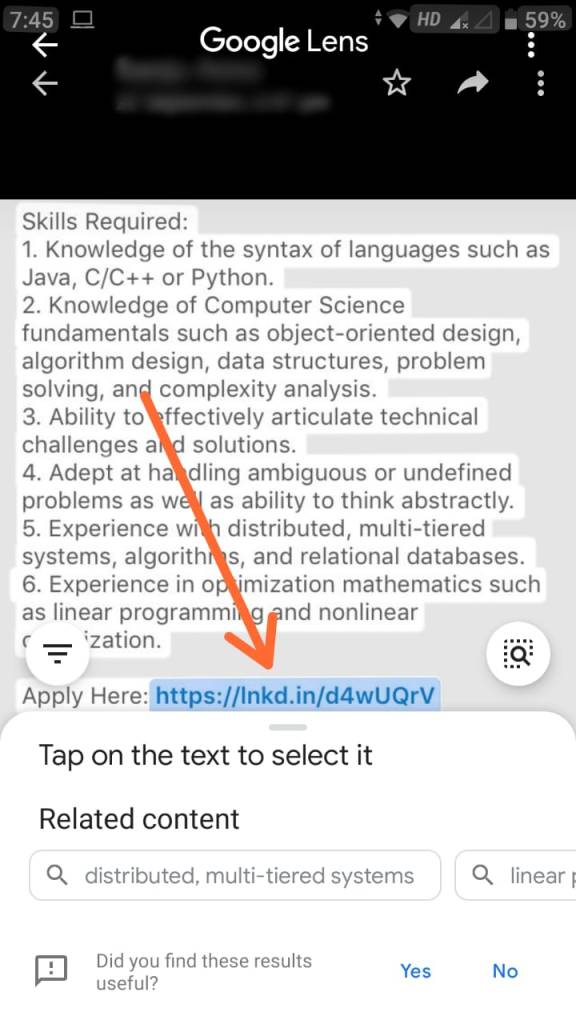
STEP 5: When you select the image or Screenshot. It automatically detects the link. Tap on the highlighted link area to open the expected website or page or maybe a video.
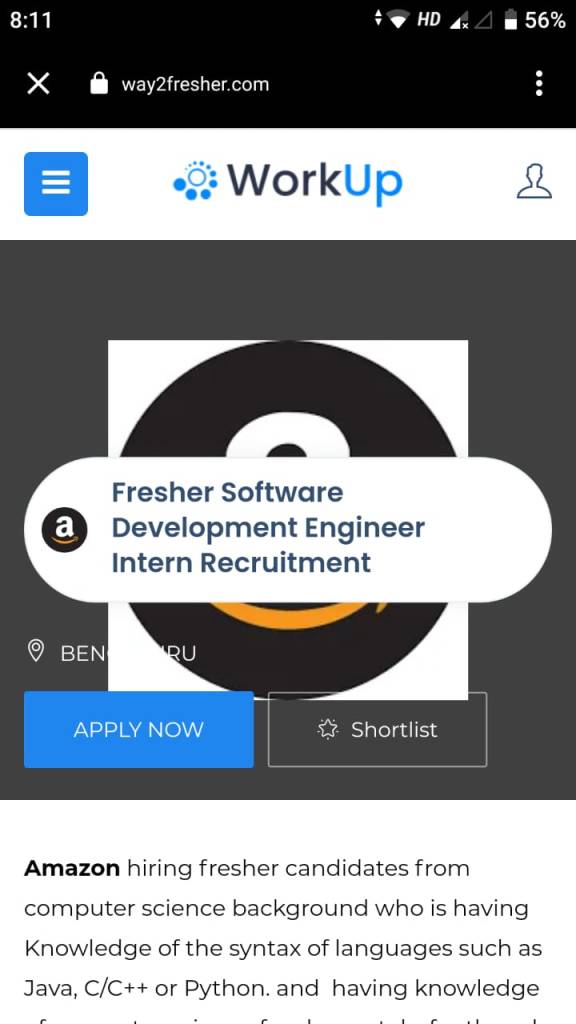
RESULT(KEE HOO WE DID IT😁): This is the desired page you were doing gymnastics to land on.
That’s it. Hope it helps.
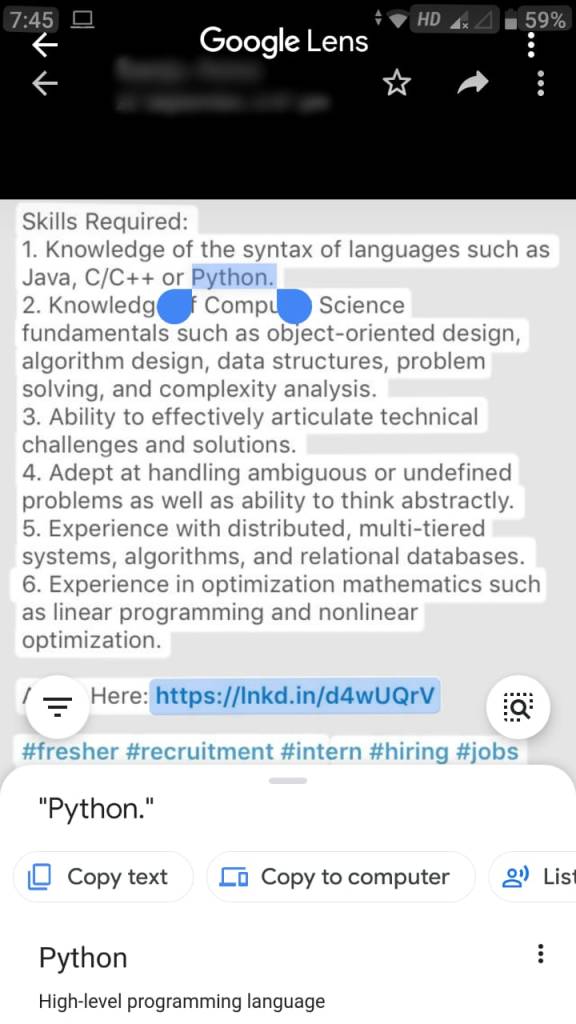
If the right link is not highlighted you can try this.
Tap on the desired portion of the screen. This is useful when you want to google a specific word in the image also.
 techpecker.tech.blog