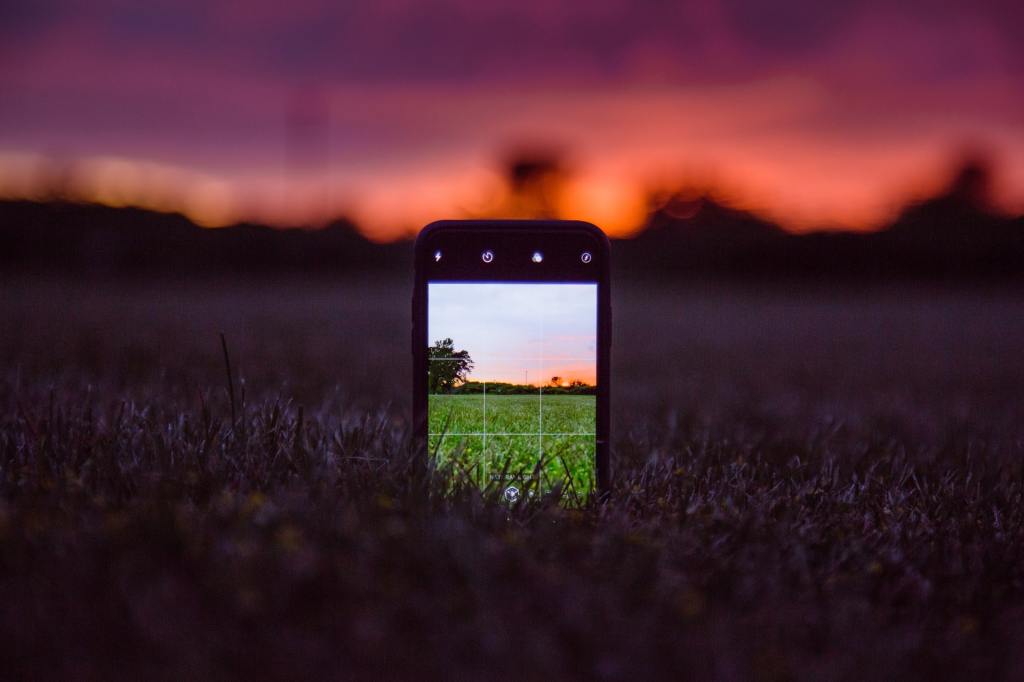
You don’t need a DSLR camera, You don’t even need a flagship smartphone(like the latest iphones, Samsung’a S series and Note series phones) either. You can take decent photos with most of the mid-range smartphones that were released in the last 3 years. Phone cameras have really gotten better.
These are the things I pay attention to when taking photos with my three year old Xiaomi Mi A1.
- Analyze the photos your phone camera takes keenly: You have to initially not judge performance of your phone camera. Don’t underestimate it. Click as many photos in very different lighting conditions as possible. Give it time. You have to then look at which lighting conditions and colors your phone camera produces in the more natural way. So that’s it ,never forget to use that conclusion of analysis while clicking photos with your phone camera in the future. Get good insight about photos it takes. You can edit better if you do this.
- Click pictures with HDR mode ON(High Dynamic Range): My favorite option of all time. This mode gives you very neutral looking shots. What it does is, it takes a picture by taking in high levels of light i.e brightest and another shot with least amount of light i.e dimmest. Final image that you get will be a balanced and neutral looking shot obtained as a result of combining both those bright and dim shots. It is preferred generally while taking photos of bright objects(sun, flowers, grass , portraits with lighting from behind). You can get best shots by using it in 90% of photos you click. Better keep it ON always. HDR FOREVER!
- Don’t give up till you get the accurate colors: What I hate about most smartphone cameras is unrealistic colors. Redmi, Realme and with some other budget phones Image processing is too much aggressive. In reality if the color is Orange or Saffron you will get a Red color in the photo. Now shouldn’t happen. To fix this you either have to use a third party camera app like Camera MX . But it doesn’t affect too much. To fix this issue completely you need to install GCAM or Google camera mods available for your specific smartphones model. Try it.
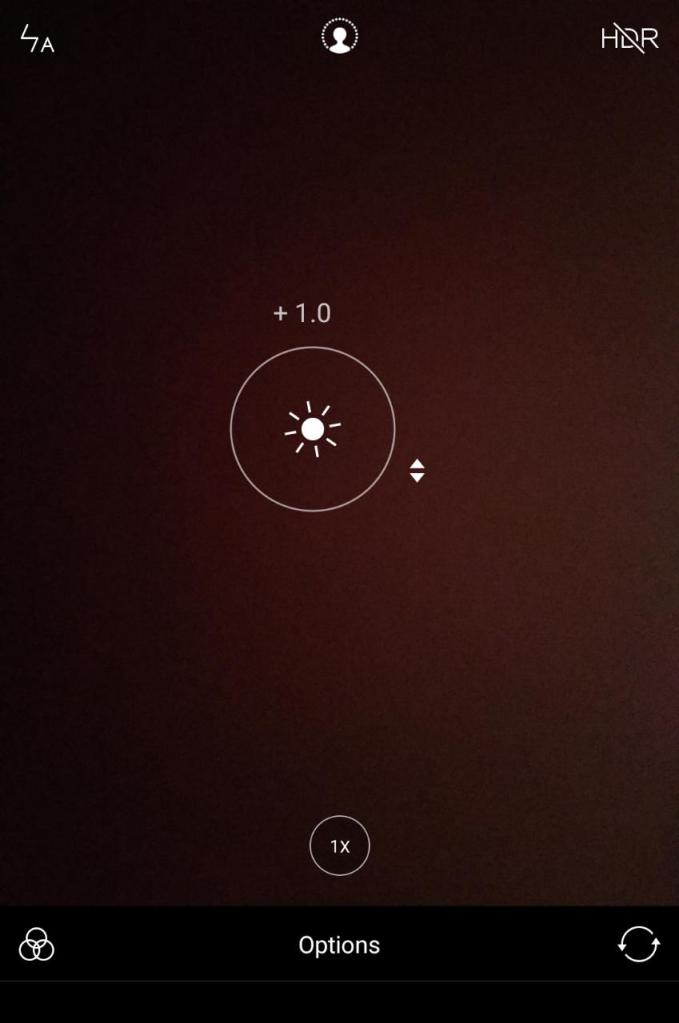
- Lighting is of highest priority: Before clicking pictures make sure the frame is evenly lit. If it’s outdoor sun light should directed towards the frame. If you can’t change anything in lighting, At-least you can control it by tweaking ISO. Check below screenshot to see how to tweak.
- Don’t Zoom into unnecessarily: If your phone camera has Optical zoom in some cases colors are very different for two camera sensors. Therefore either crop into a full image to get a clear shot. Zoom is literally quality degrading feature. You will get the closest shot but it’s literally useless. I really don’t appreciate that.
- While clicking a picture think that it is the only shot you are allowed to take: What is inside the frame OR what you see in the camera view finder that will be the photo you get. By forcing you to push beyond your capability by guessing what looks better in advance gives you the best shot quickly. That’s enough I guess.
There are literally hundreds of things. But I assure you will get decent photos by just keeping above listed things in mind.
Don’t underestimate your skills. I really don’t pay attention to nothing much either. Mega-pixels don’t matter, how costly is your phone also doesn’t affect. Decent photos are mostly reflection of our curiosity and intuitiveness. Skills and tricks shouldn’t be ignored too. Thank you. Hope it helps.
99% of the photos I have posted on my Instagram account(venkatesh_dixit) are clicked with my 3 year old Xiaomi Mi A1. I will keep using it till it dies. Because it has proved it’s worth. You and your phone camera make a good pair;)
 techpecker.tech.blog